
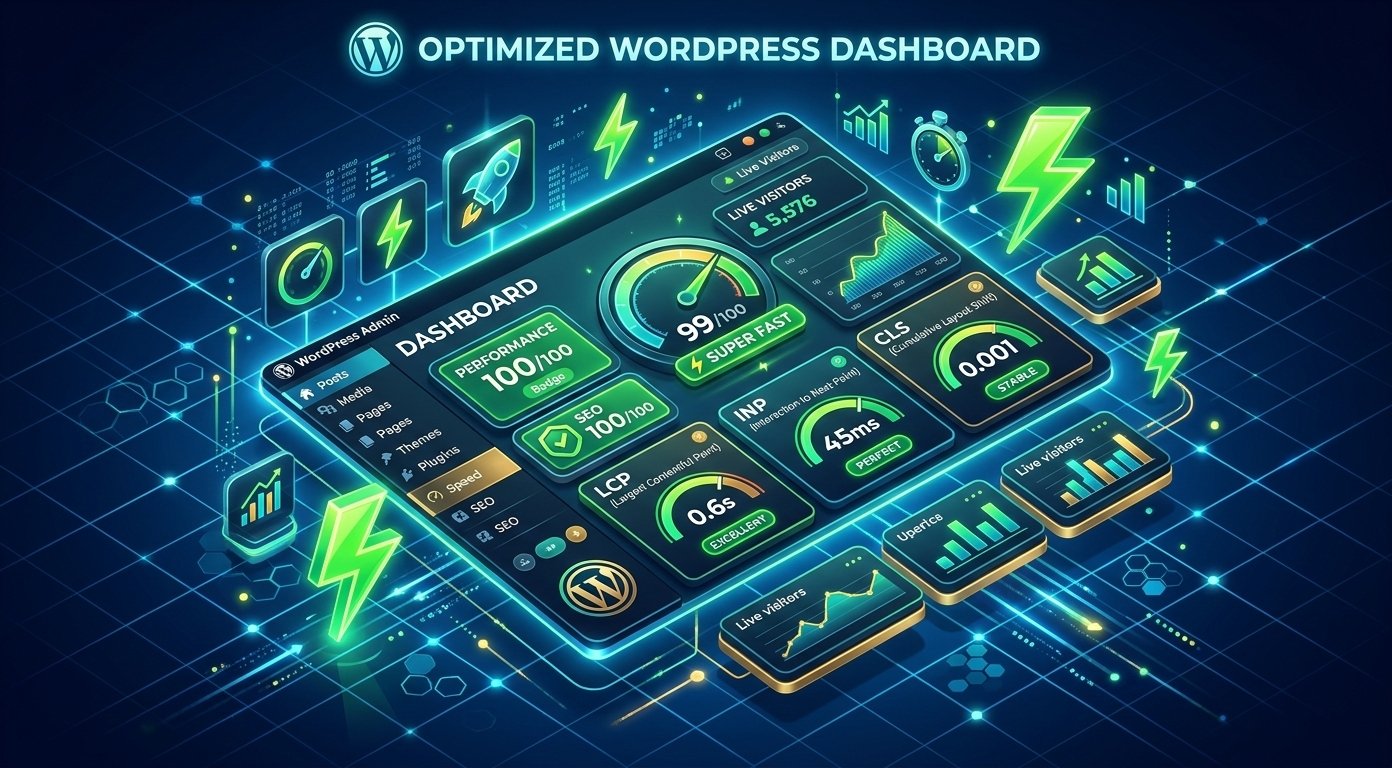
Improving your website speed is essential for retaining visitors and maintaining strong search engine visibility. If you want to Improve Core Web Vitals in WordPress, optimizing key performance metrics like Largest Contentful Paint (LCP), Interaction to Next Paint (INP), and Cumulative Layout Shift (CLS) is critical for online success.
Google uses these performance signals to measure user experience across all desktop and mobile devices. A fast website not only ranks better on search engine result pages (SERPs) but also reduces bounce rates, improves overall visitor engagement, and drives higher conversion rates for your business.
Proven Strategies to Improve Core Web Vitals in WordPress
Here are the top 7 strategies to Improve Core Web Vitals in WordPress effectively and speed up your website performance for higher search rankings.
1. Upgrade to High-Performance Managed Hosting
Your web host provides the core foundation for your site speed. Standard shared hosting often struggles under heavy traffic spikes, leading to high Time to First Byte (TTFB) and slow LCP scores. Switching to high-performance NVMe managed hosting or utilizing a Cloudflare CDN ensures your content delivers instantly to global visitors without delay.
2. Optimize and Compress Web Images
Unoptimized images are the leading cause of poor LCP scores across modern websites.
- Convert legacy PNG/JPEG files to next-gen WebP or AVIF formats for lightweight delivery.
- Compress images before uploading using dedicated performance plugins.
- Implement lazy loading for below-the-fold imagery while preloading your main featured banner image.
3. Minify and Defer CSS and JavaScript
Heavy scripts block the browser’s main thread, causing poor INP scores and slow rendering times. Use performance optimization plugins to:
- Minify CSS, JS, and HTML code cleanly to reduce total file sizes.
- Defer non-critical JavaScript execution until direct user interaction occurs.
- Remove unused CSS stylesheets to lightweight your overall page footprint.
For more detailed technical solutions, check our complete breakdown on WordPress Speed Optimization to implement advanced speed configurations.
4. Fix Cumulative Layout Shift (CLS) with Explicit Dimensions
Layout shifts happen when page elements jump around while loading resources, annoying visitors during navigation. To fix layout issues effectively across all viewports:
- Always specify explicit width and height attributes for images, logo graphics, and video embeds.
- Reserve CSS slot dimensions for display ads, banners, and dynamic embeds before they load.
- Use font-display swap rules in CSS to prevent FOIT and FOUT font layout shifts during page renders.
5. Clean Up Database Bloat and Limit Revisions
Over time, WordPress databases accumulate post revisions, trashed comments, spam data, and expired transients. Regularly cleaning your database lowers server database queries, decreases server overhead, and significantly improves overall database processing times and site speed response.
6. Replace Heavy Plugins with Lightweight Custom Code
Running too many heavy plugins increases HTTP requests and background PHP executions. Audit your plugin stack regularly and replace bulky plugins with lightweight custom code snippets or native block editor features whenever possible to keep your core codebase clean and fast.
7. Monitor Metrics via Google PageSpeed Insights
Continuously track your site performance metrics using Google PageSpeed Insights and Google Search Console performance reports. Monitoring these official performance dashboards regularly helps you spot regression issues early, maintain an optimal user experience, and successfully Improve Core Web Vitals in WordPress for sustained long-term SEO growth.
Why Core Web Vitals Matter for WordPress SEO
Search engines prioritize sites that offer fast, stable, and responsive user experiences. When you actively Improve Core Web Vitals in WordPress, you reduce page load times and ensure seamless interaction across mobile devices. Implementing these performance tweaks ensures your site passes Google Search Console audits, leading to enhanced search visibility, lower bounce rates, and improved overall user retention.
By implementing these proven optimization steps systematically, your site will load faster, pass Google Search Console performance validation, and deliver an outstanding user experience for all audience segments.



