
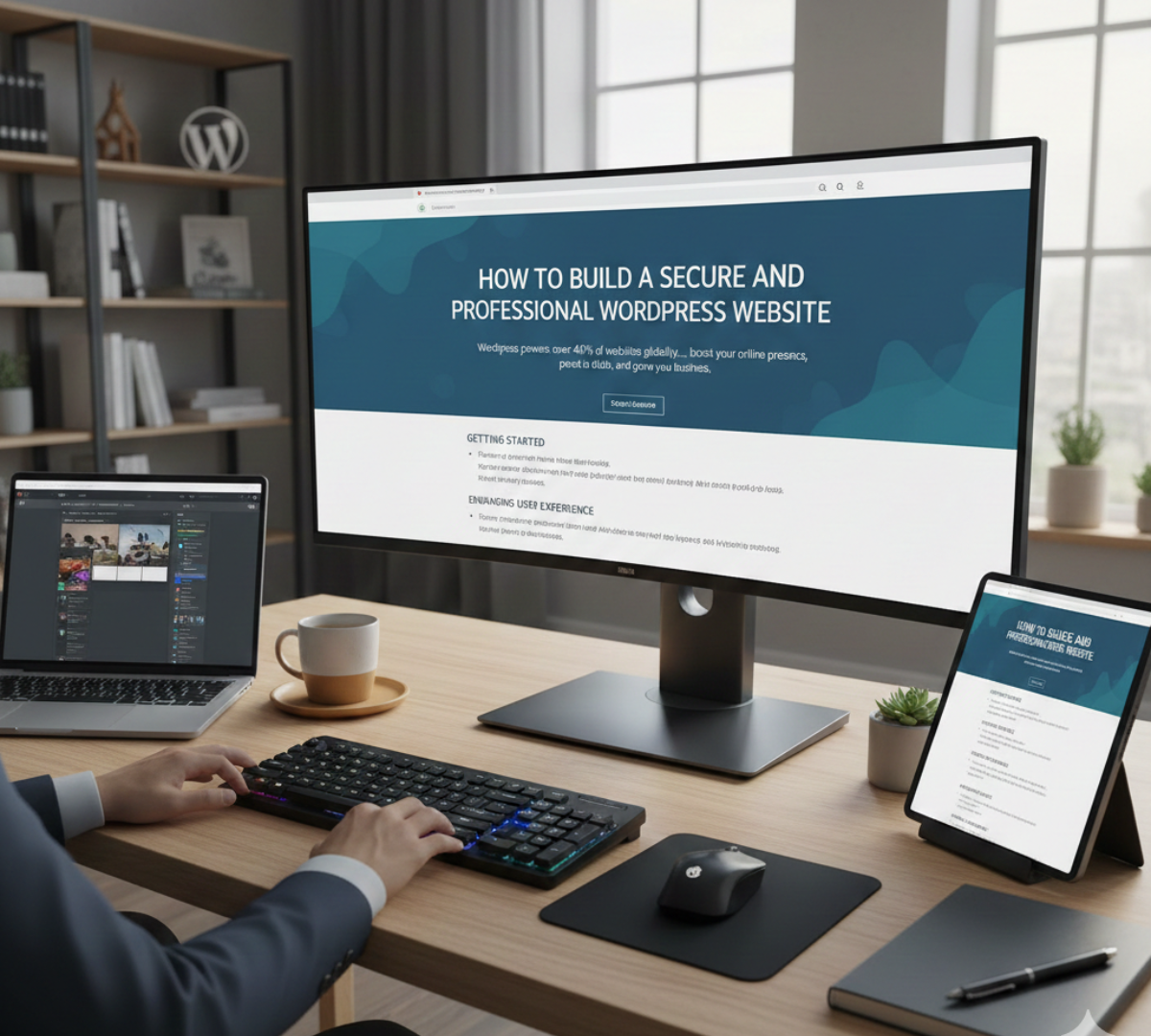
Secure WordPress Website: Essential Guide for Business Owners
Learning how to build a secure wordpress website is critical for modern business growth and user trust. WordPress powers over 40% of all websites globally due to its flexibility, vast plugin ecosystem, and user-friendly interface. However, its popularity also makes it a frequent target for cyber threats and malicious bots. Protecting your digital presence requires proactive hardening measures from day one.
Getting Started with Secure WordPress Website Development
Establishing a strong, secure foundation for your business website begins with selecting high-grade infrastructure and optimized software components.
- Select Reliable Managed Hosting: Choose hosting providers that offer server-level firewalls, automated malware scans, and regular backups.
- Choose Clean Themes: Install lightweight, well-coded themes from verified developers to avoid backdoor vulnerabilities.
- Configure Essential Core Settings: Set up proper permalink structures and clean up default sample pages immediately after installation.
7 Crucial Steps for a Secure WordPress Website
1. Keep Core Files, Themes, and Plugins Updated
Outdated software is the leading entry point for website compromises. Always update your WordPress installation, active plugins, and parent themes whenever security patches are released.
2. Enforce Strong Credentials and Two-Factor Authentication (2FA)
Prevent brute-force attacks by requiring complex passwords and implementing 2FA login verification for all administrator accounts.
3. Install Web Application Firewalls (WAF)
Deploy security plugins like Wordfence or Sucuri to monitor network traffic, block malicious IP addresses, and detect unauthorized file modifications.
4. Set Up Automated Daily Offsite Backups
Regular backup routines ensure you can restore your complete database and media library quickly if server failure or unexpected errors occur.
5. Implement SSL Certificates for Data Encryption
An SSL certificate encrypts user communication, protecting sensitive information like login details and contact forms while boosting search engine rankings.
6. Limit Login Attempts and Change Admin URLs
Restricting invalid login attempts prevents automated bot attacks from overwhelming server resources and cracking administrative passwords.
7. Harden Database Security and File Permissions
Changing default database prefixes (wp_) and disabling file editing inside the dashboard prevents attackers from executing unauthorized scripts.
For official technical guidance on search indexing and site security protocols, check the Google Search Central Documentation.
Enhancing User Experience and Performance
A safe site must also deliver exceptional speed and seamless visual navigation across all mobile devices:
- Page Builder Integration: Use tools like Elementor to construct clean, conversion-focused page layouts.
- Speed Optimization: Utilize caching plugins and image compression tools to keep page load times under two seconds.
- Engagement Sections: Add clear service offerings, contact forms, and structured blog content to keep visitors engaged.
Need assistance setting up a tailored, bulletproof online platform? Explore our custom WordPress Web Development Services.
Frequently Asked Questions About Secure WordPress Website Setup
Is WordPress secure out of the box?
The core software is highly secure, but security risks increase if you use outdated plugins, weak credentials, or low-quality web hosting.
How often should I run site backups?
Configure automated daily or weekly offsite backups depending on how frequently your site content and database are updated.
Build Your Secure Online Presence Today
Ready to deploy a high-performing, secure wordpress website for your brand? Contact IgniteCrest Solutions today for comprehensive technical development and security optimization.
- Phone / WhatsApp: +923147609428
- Website: IgniteCrest Solutions
- Email: ignitecrestsolutions@gmail.com



