
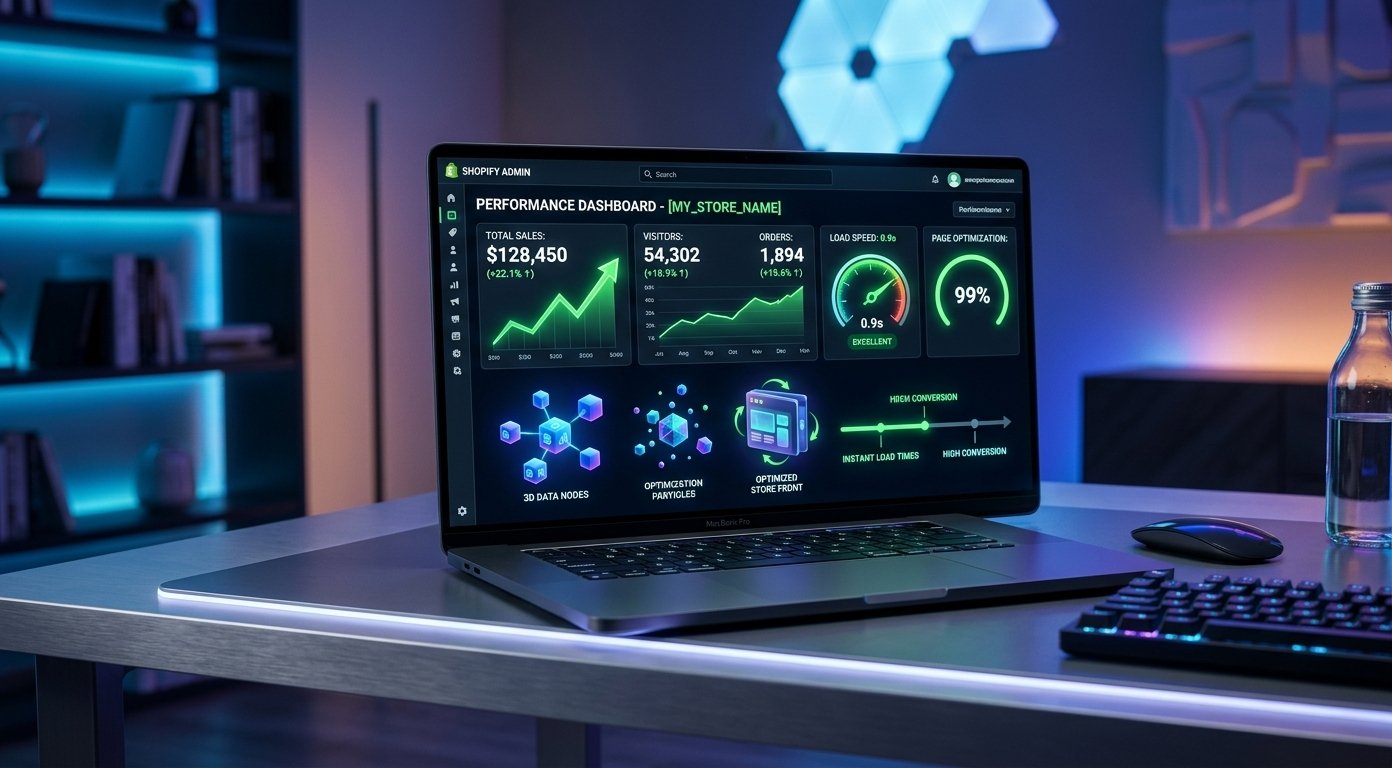
Mastering Shopify speed optimization is essential for any e-commerce business looking to scale online. Is your Shopify store taking more than 3 seconds to load? Studies show that a single second delay in page load time can reduce conversions by up to 7% and increase bounce rates significantly. For international e-commerce brands, speed is not just a technical metric—it is the direct bridge to revenue and global search visibility.
In this comprehensive guide, we break down actionable Shopify speed optimization tactics and conversion strategies designed to transform slow-loading Shopify stores into fast, high-converting platforms in 2026.
1. Why Shopify Speed Optimization Matters for Global SEO and Conversions
Google prioritizes user experience above all else, making Core Web Vitals a crucial ranking signal. When global visitors land on your store—whether from North America, Europe, or Asia—slow page speeds lead to immediate exits and abandoned carts. Proper Shopify speed optimization ensures smooth user engagement across all devices.
- Better Search Engine Rankings: Fast-loading sites secure higher positions on Google SERPs.
- Reduced Shopping Cart Abandonment: Quick checkout transitions encourage instant buyers.
- Enhanced Mobile Experience: Over 70% of global traffic comes from mobile devices requiring lightweight design scripts.
2. Key Shopify Speed Optimization Tactics for Images
High-resolution product banners and media files are among the primary causes of slow Shopify stores. Effective Shopify speed optimization starts with image compression and smart loading practices.
- Adopt WebP Format: Convert PNG and JPEG images to WebP to reduce file size by up to 30% while retaining quality.
- Implement Lazy Loading: Load off-screen images only when visitors scroll down to them.
- Set Explicit Dimensions: Define height and width properties to eliminate layout shifts (CLS).
3. Audit Shopify Apps and Liquid Code Scripts
Installing multiple Shopify apps adds external JavaScript files and CSS overhead. Even after uninstalling an app, leftover code snippets can remain in your theme files and harm your Shopify speed optimization scores.
Regularly review installed apps and remove unused background scripts from your theme.liquid file. For custom functionality, consider lightweight custom Liquid coding over heavy third-party plugins. You can review official guidelines on Shopify Developer Documentation for code efficiency standards.
4. Leverage CDNs and Minify Assets
Shopify provides a content delivery network (CDN), but optimizing critical render paths further boosts global load speeds. Minify your custom CSS, JavaScript, and Liquid scripts to remove whitespace and redundant code block elements, ensuring your Shopify speed optimization strategy delivers maximum speed.
5. Streamline the Shopify Checkout Flow
A fast website draws traffic, but a streamlined checkout converts visitors into paying customers. Simplify step-by-step navigation, enable guest checkouts, and offer localized payment portals like Apple Pay, Google Pay, and Shop Pay for frictionless purchasing.
Looking to accelerate your Shopify storefront? Explore our transparent Web Development Pricing, view our recent client builds in our Web Development Portfolio, or explore our full suite of digital marketing and custom coding Web Development Services. Have questions? Visit our About Us page to get in touch with our expert engineering team.
What is your biggest store speed challenge?
Is your Shopify store currently struggling with slow page loads or low conversion rates? Drop a comment below with your store link or questions—our technical web development team will analyze your site speed and reply with personalized Shopify speed optimization recommendations!



