
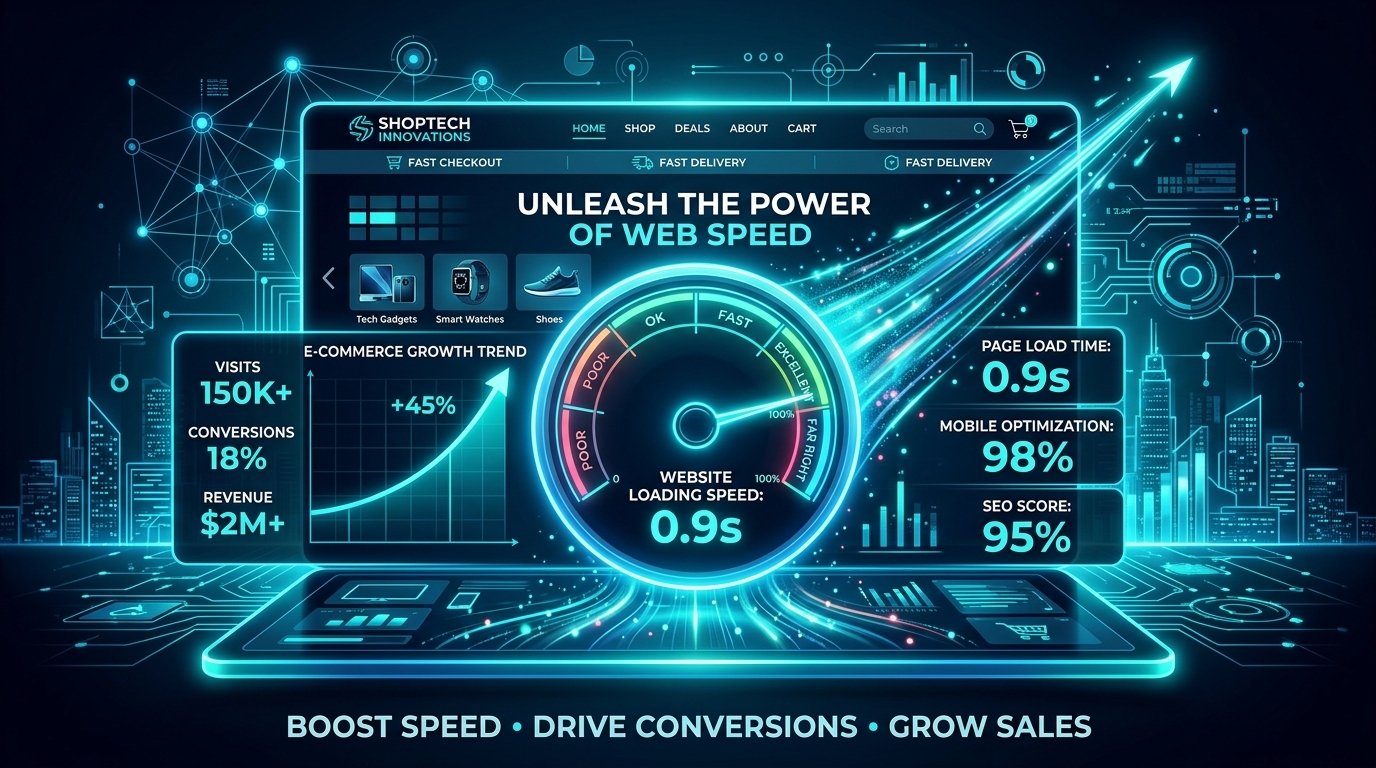
In the competitive e-commerce landscape, page loading performance directly impacts your store conversion rates and search rankings. Executing structured Shopify Speed Optimization ensures your site loads instantly, keeps shoppers engaged, and maximizes organic traffic.
Modern consumers expect online stores to load within two seconds. Even a slight delay can trigger higher bounce rates and abandoned carts. By implementing proper technical enhancements, store owners can maintain continuous Shopify Speed Optimization to deliver smooth purchasing journeys across both desktop and mobile devices.
Essential Shopify Speed Optimization Tactics for E-Commerce Stores
Follow these 7 actionable performance strategies to accelerate your store, improve Core Web Vitals, and increase customer retention.
1. Compress and Convert Media to Next-Gen Formats
Uncompressed banner graphics and heavy product photography slow down page rendering rapidly. Converting image files into lightweight WebP formats drastically reduces overall page payload without sacrificing visual quality. Asset compression remains a fundamental step in any Shopify Speed Optimization plan.
2. Audit and Remove Unused Shopify Apps
Every installed app inserts extra JavaScript files and tracking scripts into your site header. Even after deleting an app, leftover code often delays site loading. Regularly auditing active tools and removing unused app scripts is critical for successful Shopify Speed Optimization.
3. Choose a Lightweight and Optimized Theme
Not all Shopify themes are engineered for high speed. Feature-heavy themes loaded with complex JavaScript animations slow down mobile rendering speed. Switching to a fast, clean theme structure creates a reliable base for long-term store performance.
To learn more about optimizing your entire online platform, check out our guide on Digital Marketing and SEO Strategies to see how store speed directly impacts marketing success.
4. Minify CSS, JavaScript, and Liquid Code
Code minification strips out unnecessary spaces, comments, and line breaks from your source files. Cleaner code allows web browsers to parse page elements much faster, making minification a core component of technical Shopify Speed Optimization.
5. Implement Lazy Loading for Images
Lazy loading delays the rendering of off-screen images until a customer scrolls down the page. Prioritizing primary hero sections improves initial loading speed, giving users instant access to your catalog while secondary visuals load seamlessly in the background.
6. Utilize Global Content Delivery Networks (CDNs)
Shopify serves media files through built-in global CDNs, delivering static assets from servers located closest to your site visitors. Ensuring all static content routes properly via CDN caching reduces server latency for international shoppers.
7. Monitor Core Web Vitals and PageSpeed Scores
Tracking performance data regularly helps you catch technical bottlenecks before they hurt sales. You can test live loading times and audit mobile performance using Google PageSpeed Insights alongside your regular store maintenance workflow.
Why Ongoing Store Optimization Matters for Business Growth
E-commerce performance tuning is not a one-time project. As you introduce new products, publish promotional graphics, and test marketing apps, monitoring site speed protects your revenue funnel. Prioritizing consistent Shopify Speed Optimization helps lower customer acquisition costs, improves search visibility, and drives reliable business growth.
By optimizing media assets, cleaning up theme code, and monitoring site health, your Shopify store will deliver frictionless shopping experiences and increase long-term sales.



