
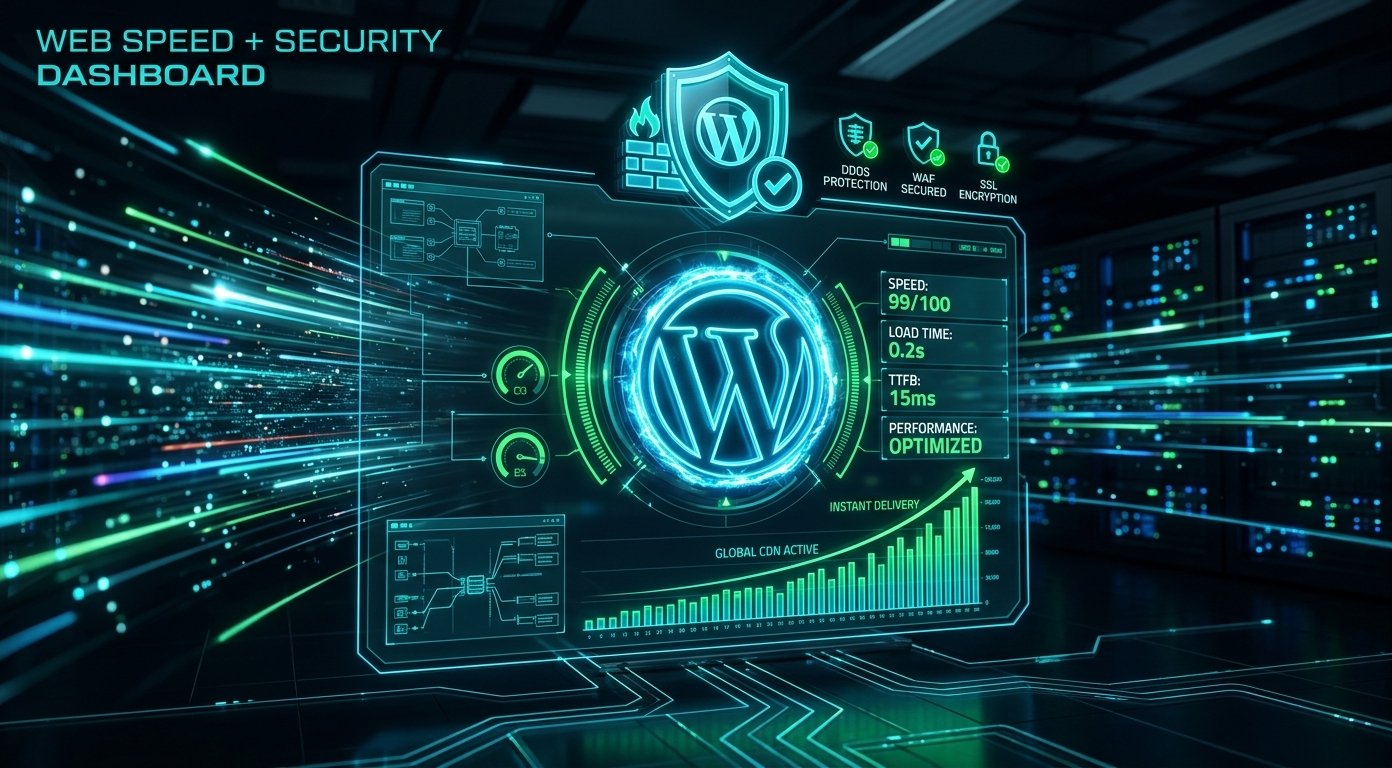
Mastering WordPress speed optimization is critical for achieving top search engine rankings and delivering an exceptional user experience. A slow-loading website not only frustrates visitors but also negatively impacts your conversion rates and search performance. If your site takes longer than two seconds to render, you are likely losing valuable global traffic.
In this guide, we explore actionable WordPress speed optimization strategies and security measures designed to supercharge your site performance in 2026.
1. Why WordPress Speed Optimization Impacts SEO and Conversions
Google relies heavily on Core Web Vitals to assess web pages. High page speeds lead to better user engagement, lower bounce rates, and improved keyword visibility across search engines worldwide. Proper WordPress speed optimization ensures your business remains competitive in today’s fast-paced digital market.
- Improved Core Web Vitals: Optimizing Largest Contentful Paint (LCP) and Cumulative Layout Shift (CLS) directly boosts SEO scores.
- Higher Search Rankings: Search engines reward fast websites with higher SERP placement.
- Enhanced User Experience: Visitors stay longer and interact more on responsive, snappy websites.
2. Choose Fast Hosting and Implement Server-Level Caching
Foundation matters most. Relying on shared hosting can bottleneck your performance regardless of how lightweight your theme is. Managed WordPress hosting providers offer server-level caching, object caching (Redis/Memcached), and optimized PHP executions essential for efficient WordPress speed optimization.
3. Compress Media Files and Implement WebP Formats
Uncompressed images are often the leading cause of slow page loads. Compress your media assets and convert traditional PNG/JPEG files into modern WebP or AVIF formats. You can also review official guidelines on WordPress Developer Documentation for media management standards.
4. Clean Up Database and Reduce Unnecessary Plugins
Over time, draft revisions, spam comments, and orphaned plugin data clutter your database. Regularly cleaning your database and deactivating bloated plugins maintains low server response times and strengthens your overall WordPress speed optimization workflow.
5. Strengthen WordPress Security Protocols
Speed and security go hand in hand. Malware injections and brute-force attacks consume server memory, causing severe slowdowns. Implement two-factor authentication (2FA), restrict login attempts, and enforce SSL encryption to keep your digital asset safe.
Need professional assistance optimizing your web portal? Explore our transparent Web Development Pricing, view our client case studies in our Web Development Portfolio, or browse our comprehensive technical Web Development Services. Learn more about our team on our About Us page.
What is your biggest website performance issue?
Is your website suffering from slow load times or plugin conflicts? Leave a comment below with your site URL or technical questions—our engineering team will review your site and reply with personalized WordPress speed optimization tips!



